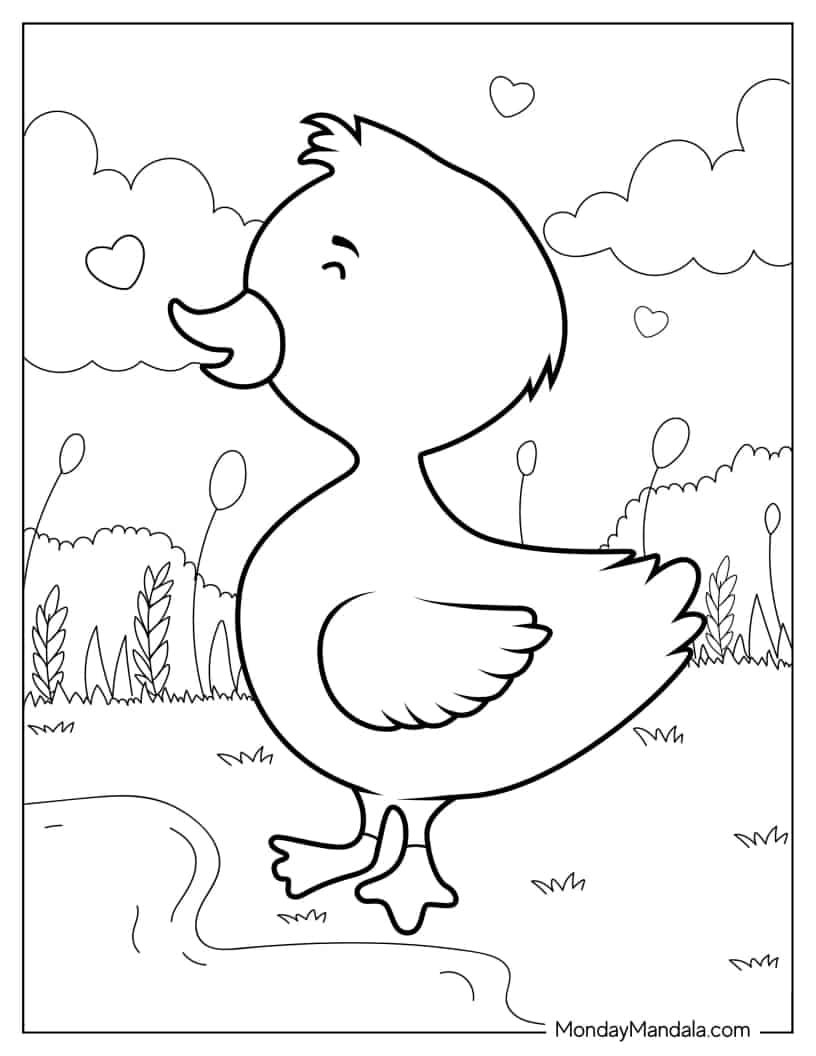
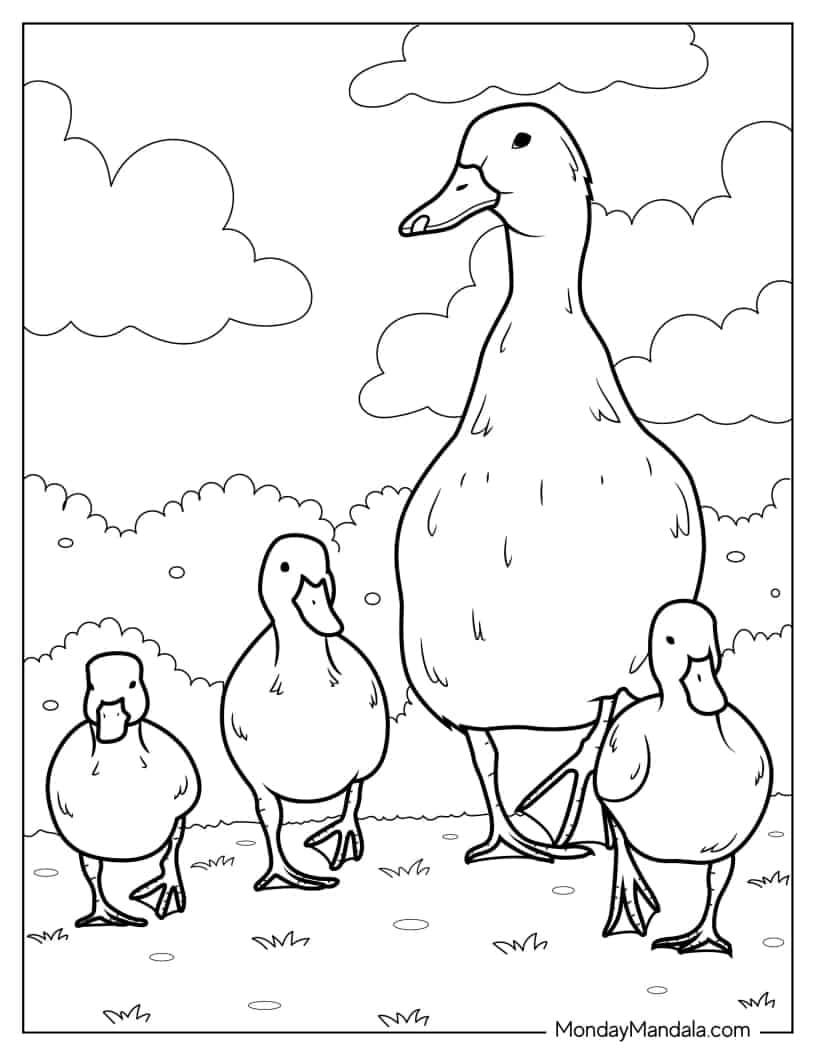
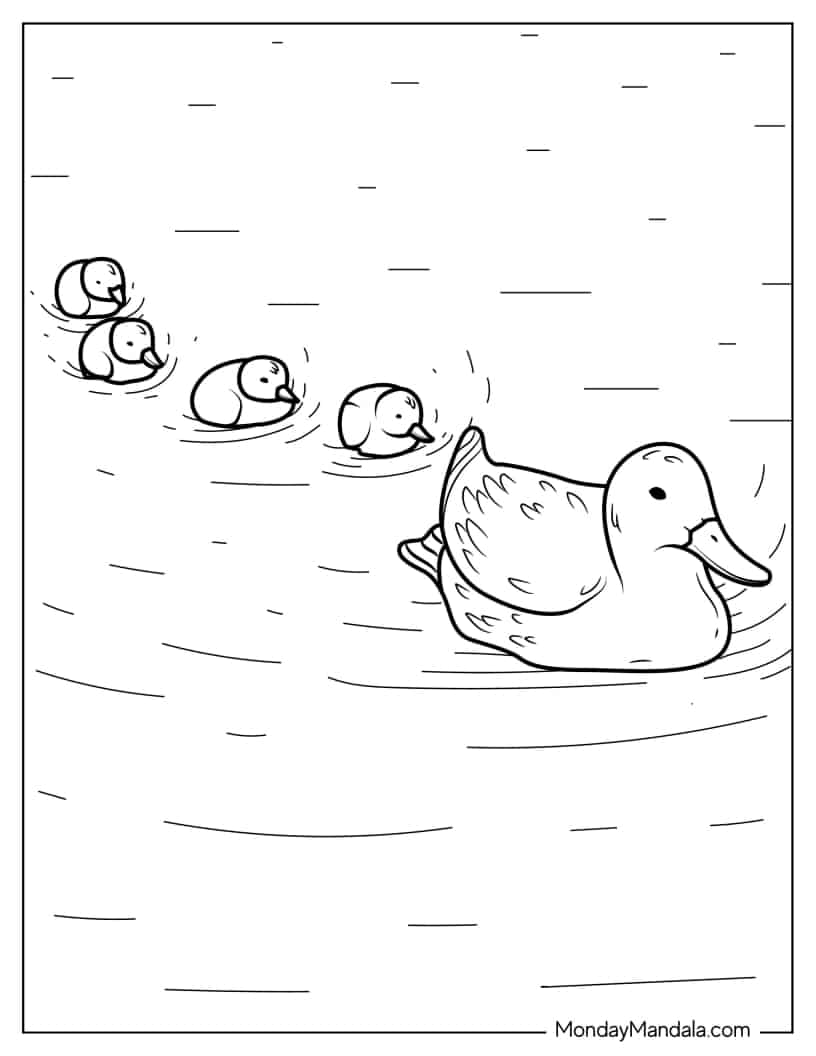
Ducklings Following Mom In The Pond
 Loading colors…
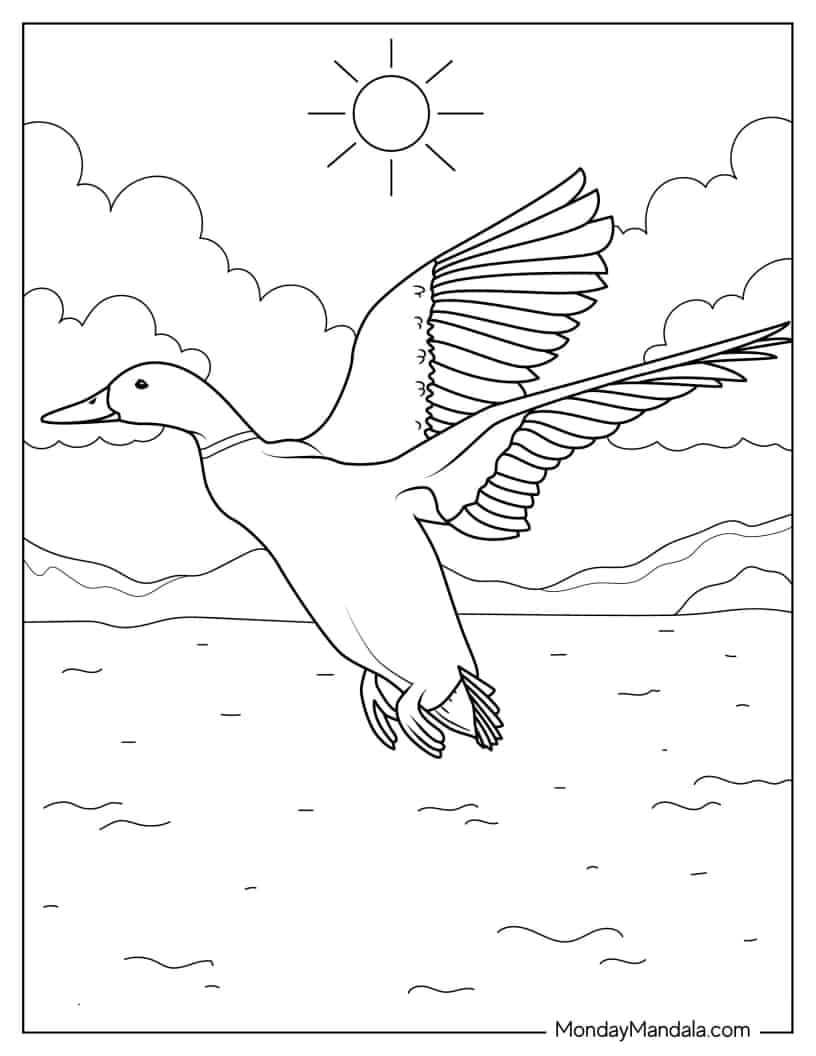
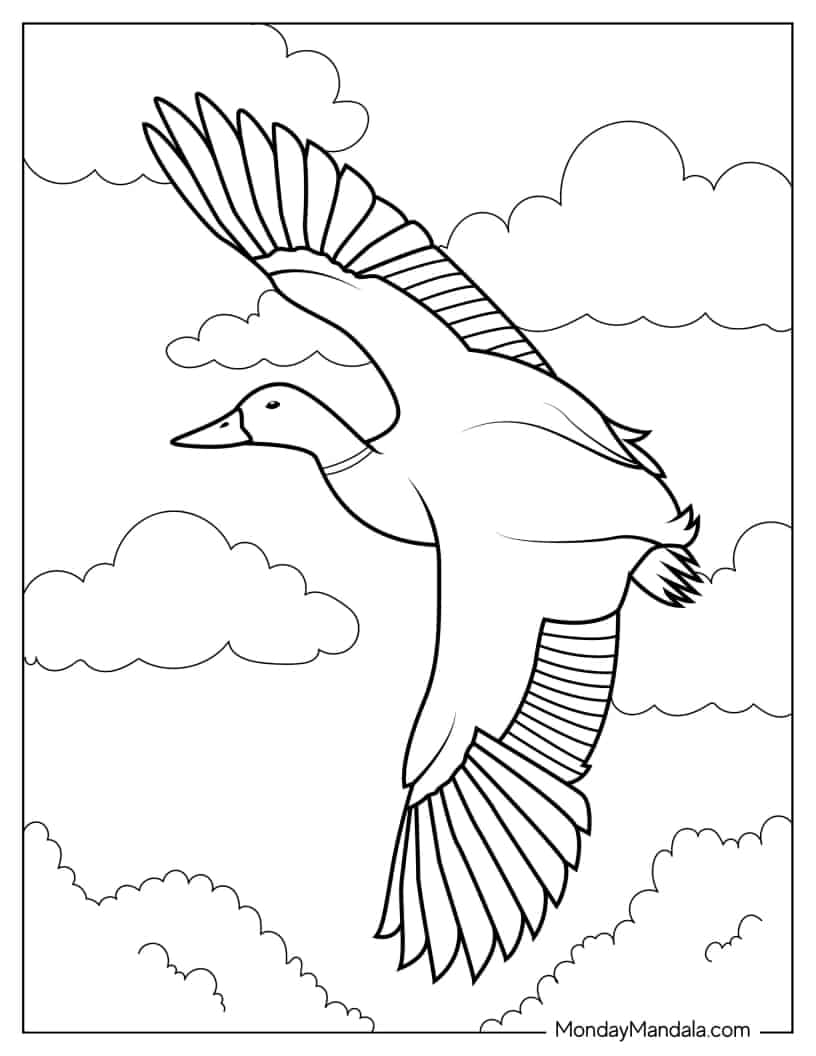
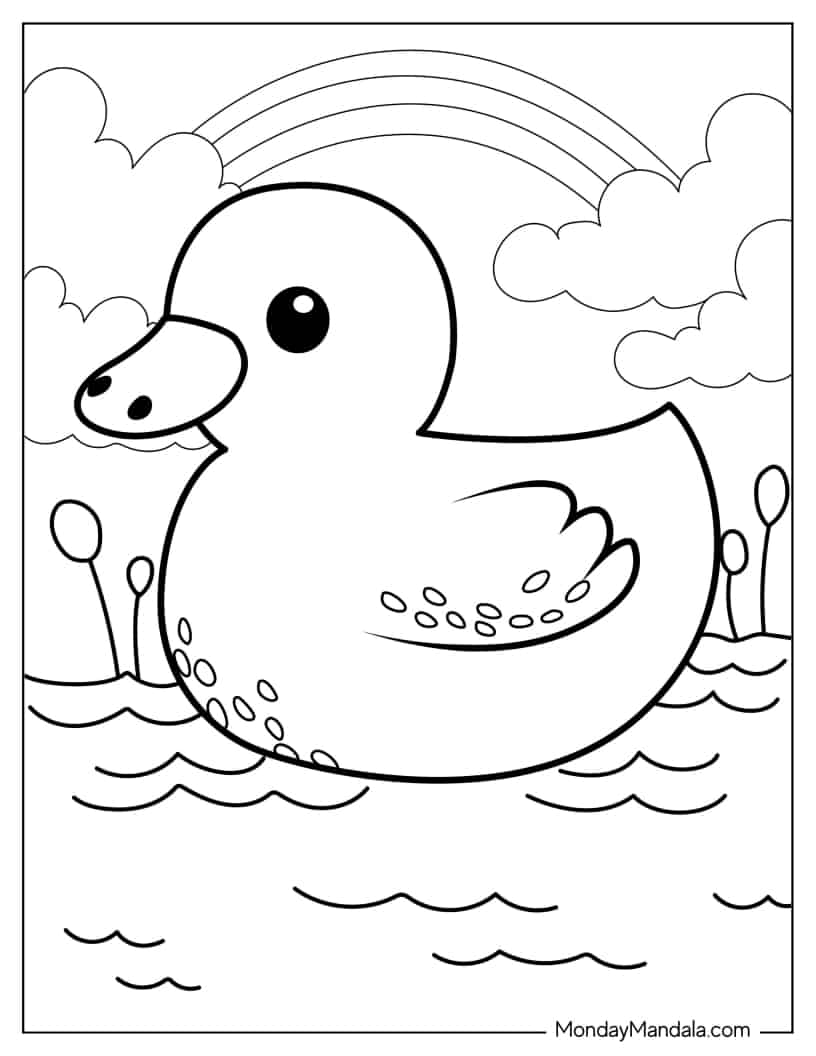
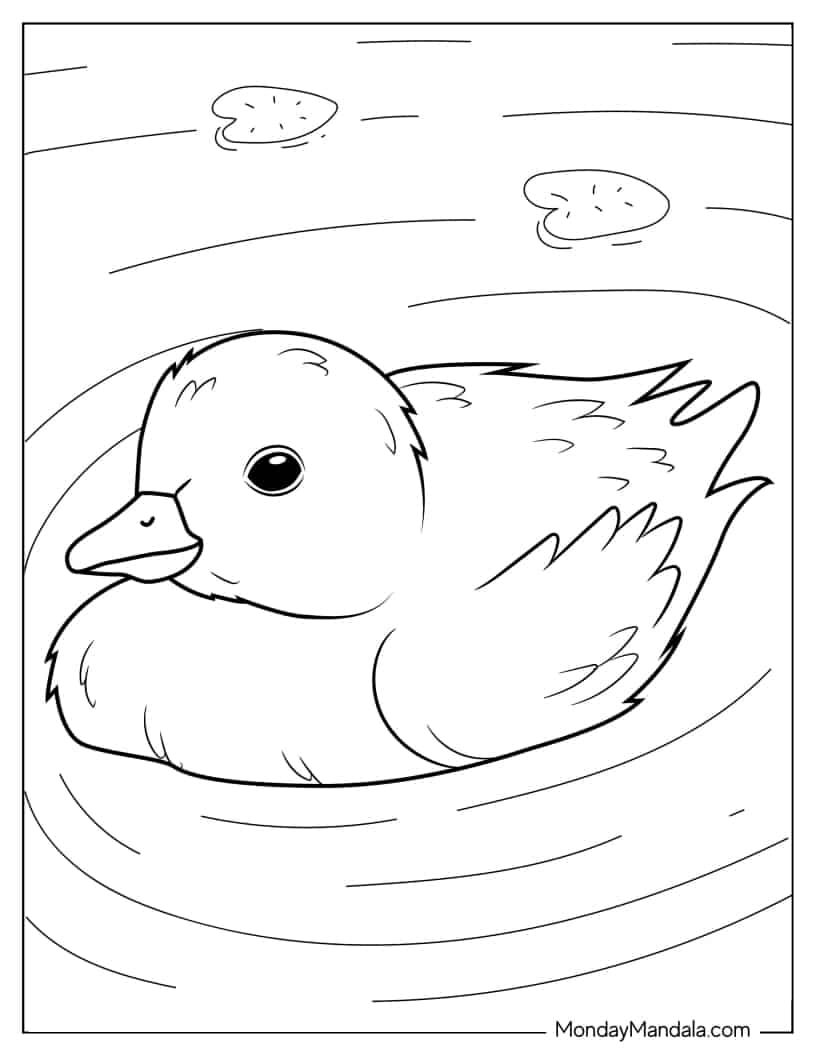
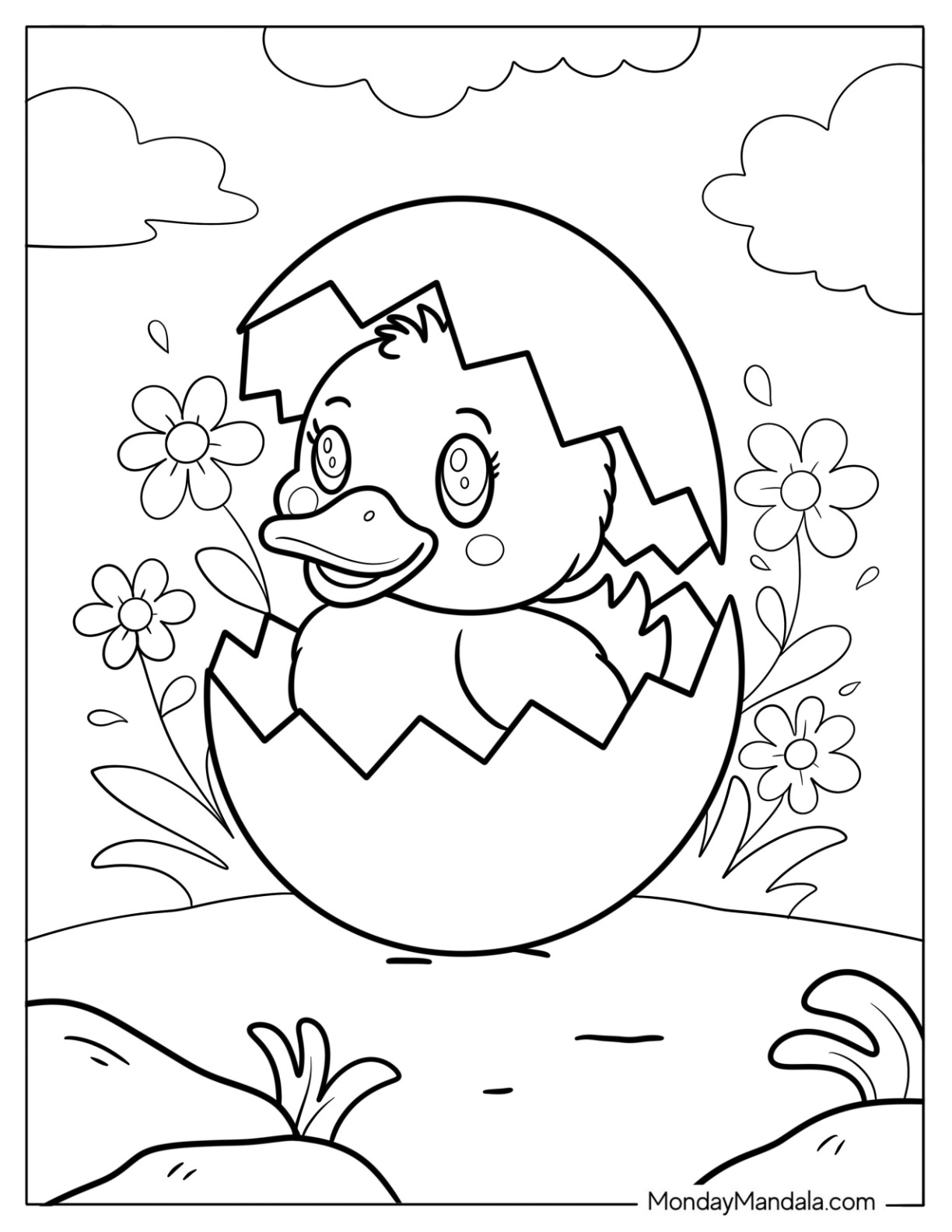
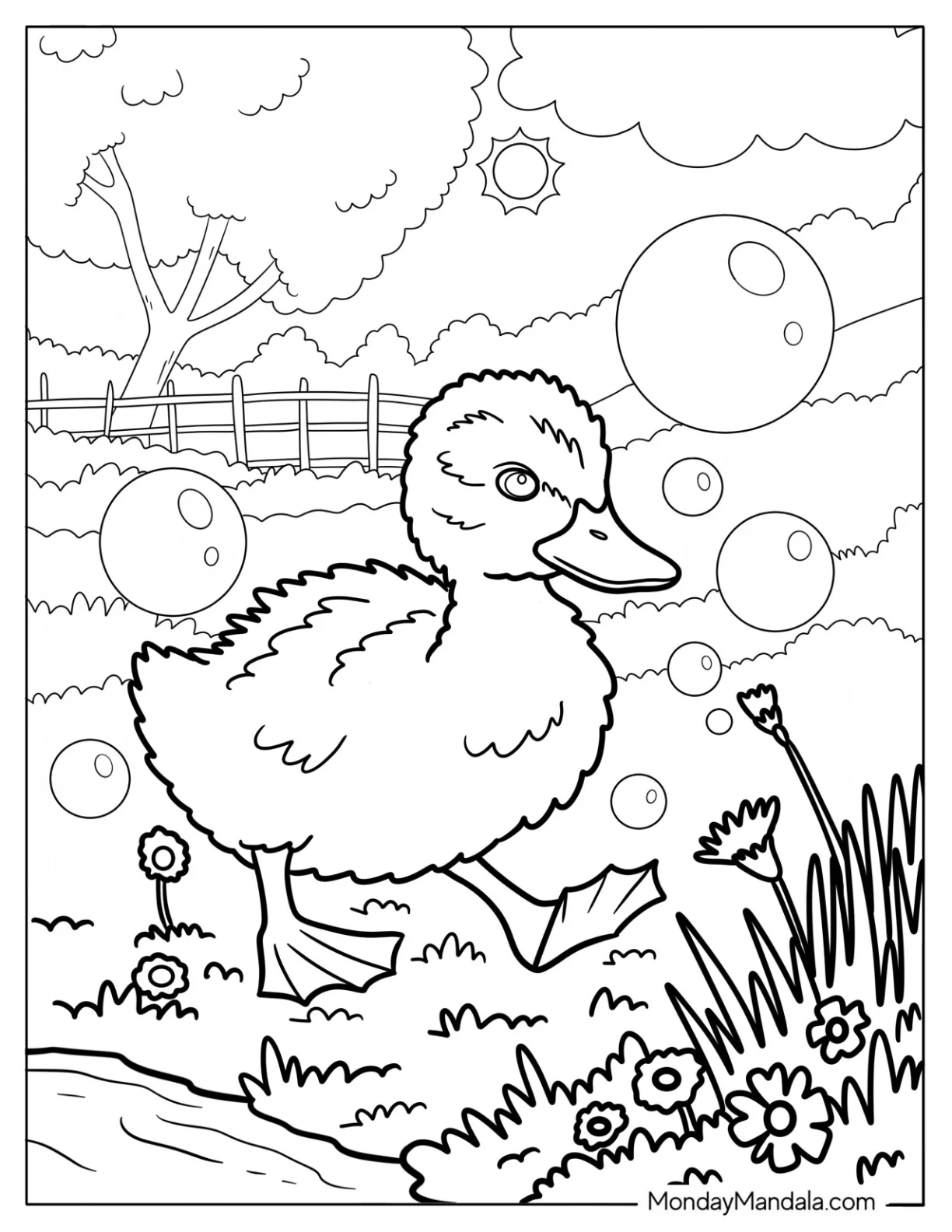
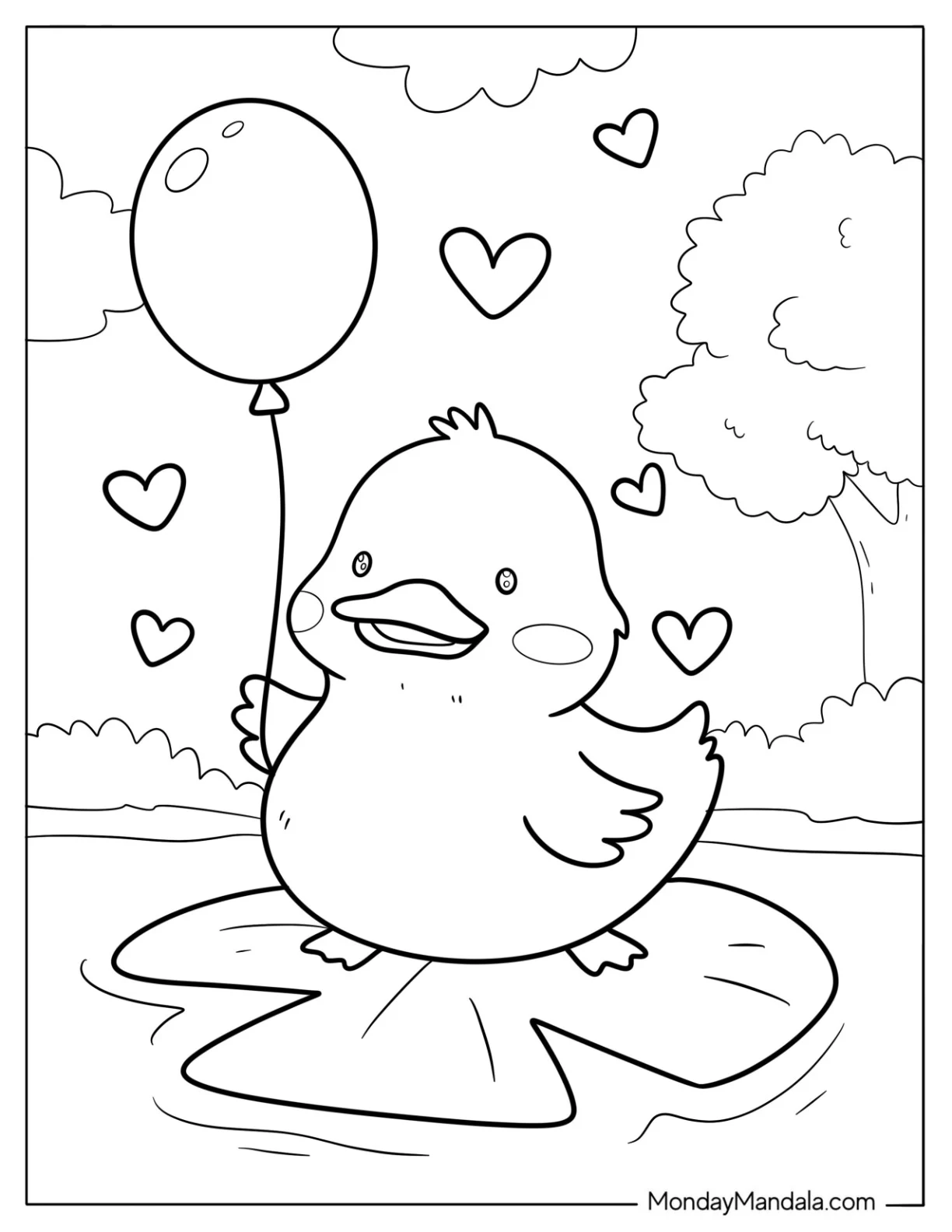
 13 individually colorable areas put this page in Easy territory — counted automatically, not guessed. That's simpler than most of our library — an easy, low-pressure pick. Every region is big enough for small fingers to tap-fill without frustration — perfect for toddlers and preschoolers still learning to stay inside the lines. It's one of 46 free cute duck coloring pages in our Animals collection — color it online with fill and brush tools, or print the outline at home.
How to use the coloring tools
The editor has two toolbars: drawing tools on the left, and colors on the right. Here is what each one does.
Drawing tools (left)
- Fill — tap inside any outlined area to flood it with the selected color. The fastest way to color large shapes.
- Brush — draw freehand strokes for shading, details, or coloring outside the lines. Use the size slider to make it thicker or thinner.
- Eraser — remove color and bring back the white paper. The size slider changes how wide it wipes.
- Eyedropper — pick up any color already on the picture so you can reuse the exact same shade.
- Size slider — sets how big the brush and eraser are. The dot preview shows the current size.
- Zoom & pan — tap + above the picture to zoom in and color small details precisely with the Brush. While zoomed, tap the ✋ hand to drag the picture around; tap the percentage to reset.
- Undo / Redo — step back or forward through your changes if you make a mistake.
- Clear all — wipe every color and start the page again from scratch.
Colors (right)
- Suggested — a handful of colors that fit this particular picture, so you can start quickly without choosing.
- Colors palette — the full set of ready-made colors. Tap one to select it, then fill or brush.
- Custom — open the color picker to mix any exact shade you want, beyond the presets.
- Recent — the last colors you used, kept handy so you can switch back with one tap.
Tip: when you are done, hit 🎬 Make a video to replay your whole coloring session as a share-ready time-lapse, Save PNG to download your artwork, or Print to color it on paper.
New to coloring online? See the full step-by-step guide.